The short answer
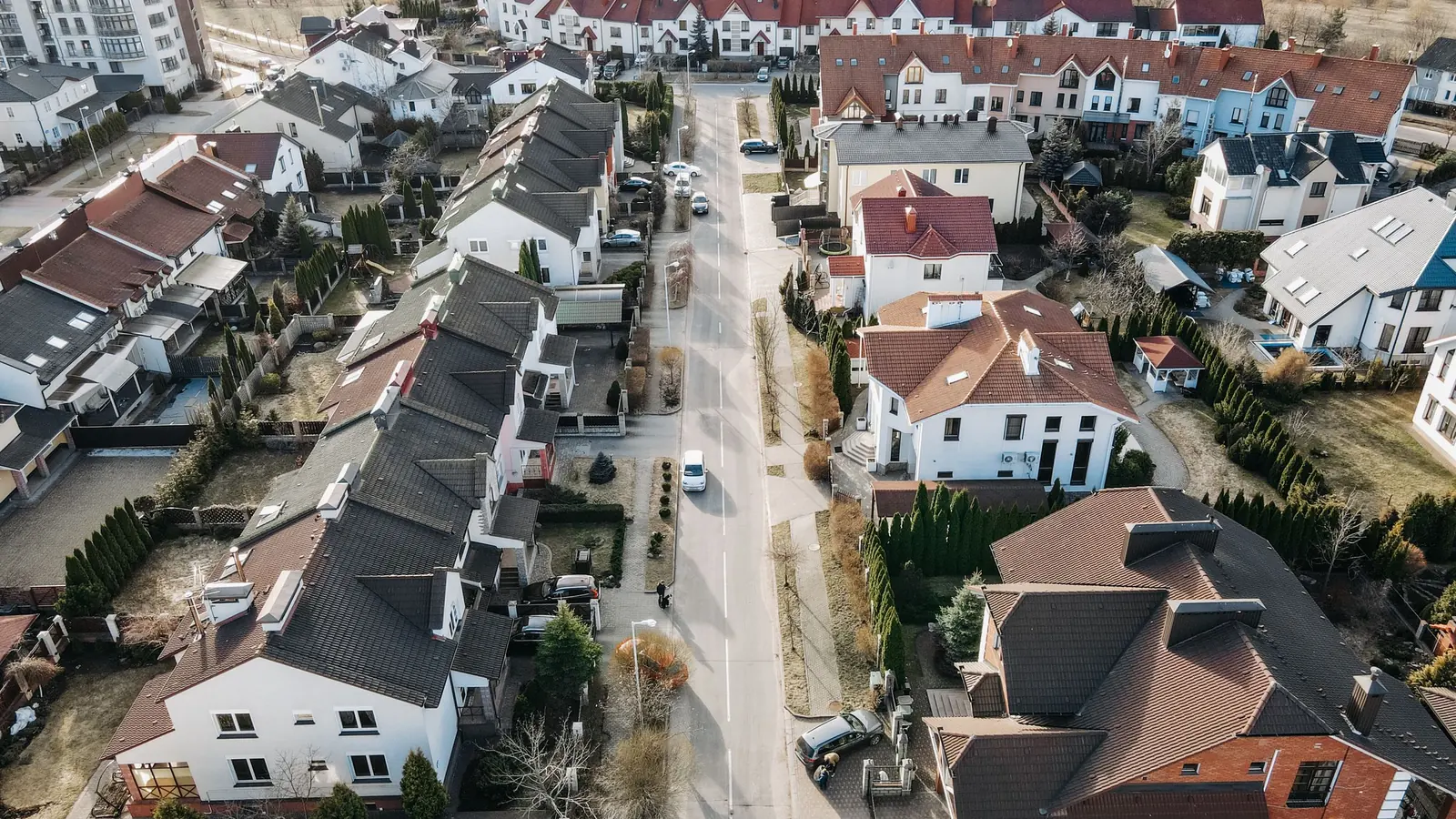
City and service-area pages work when each one is genuinely about the town. They hurt when they're the same page with a different name at the top.
- Build a page for a town when you have real work there: projects to show, customers to quote, details about how you serve that area.
- Fill it with what's true only of that town: the kind of homes or businesses, the jobs you've done, travel and scheduling, local rules where they matter.
- Start small. A strong page for each of your main towns beats a page for every town on the map.
- For your top services, go one level deeper: a page for each service in each main town, but only for the services people actually search for there.
- Link them sensibly: service pages to town pages, town pages to services and nearby towns, and one hub page that lists them all.
The rest of this guide shows how, with a checklist you can run on every page before it goes live.
What a service-area page is (and isn't)
People use a few names for related things, so it helps to separate them:
- A town page (or city page): one page about your business in one town. "Web design in Buffalo" is ours. "Plumbing in Monticello" might be yours.
- A city and service page: one service in one town. "Bathroom remodeling in Plymouth" or "Water heater repair in Elk River". These come later, and only for the work people search for most.
- Your Google Business Profile service area: the list of towns or regions you set inside Google. It decides where you can appear in the map. It's not a web page at all. Our guide to Google Business Profile for service businesses covers it.
- A locations hub: one page that lists and links every town page. Ours is our locations page.
Town pages earn their keep in two ways. They help you show up when someone searches your trade plus that town, especially in the ordinary results below the map, which can reach further than the map can. And they reassure the person who lands there that you actually work in their town, which matters as much as the ranking. Our guide to small-town vs metro local SEO explains why they matter more in busy suburbs than in small towns.
The copy-paste trap
Here's the shortcut that gets businesses in trouble. Write one page, copy it twenty times, change the town name and maybe a sentence about the county. It's quick, it looks like coverage, and it's exactly what Google calls a doorway page.
Google's spam policies name doorway pages: sets of near-identical pages built to rank for similar searches (one per town is the classic example) that all lead the visitor to the same place. Pages like that can be ignored, ranked lower, or in bad cases pull the whole site down. Even when they aren't penalized, they rarely rank in a town where real competitors have real pages.
The test is simple. Read your page and ask: if I swapped the town name, would every sentence still be true? If yes, it isn't a page about that town. It's a template.
Worked example: the swap test
Weak: "We proudly serve Big Lake with top-quality lawn care. Our experienced team is committed to excellence for every Big Lake customer. Call today for Big Lake lawn care!"
Strong: "We mow and fertilize about thirty yards in Big Lake, most in the newer neighborhoods off Highway 10, where the soil is sandy and lawns burn out by July without a watering plan. Our Big Lake route runs Tuesdays. Here are three yards we took over last spring, before and after."
The second one can only be about Big Lake. The numbers in it are examples for this guide; yours have to be real.
Also skip the old tricks that come with template pages: a list of fifty towns in the footer, the town name repeated in every sentence, or a page for every zip code. None of it helps, and all of it makes the site look less trustworthy to the people reading it.
What makes a town page genuinely about the town
You don't need to write a travel brochure. You need the details a customer from that town would recognize. Here's where they come from.
The landmarks of your work
Not the water tower. The things in that town that shape your job. For a remodeler, the age and style of the homes: 1970s split-levels in one suburb, new construction in another, old farmhouses on the edge of a small town. For a dock and lift company, which lakes. Around Buffalo that's Buffalo Lake and Lake Pulaski; around Annandale it's dozens of lakes. For a commercial cleaner, the business parks and the downtown blocks.
Real projects there
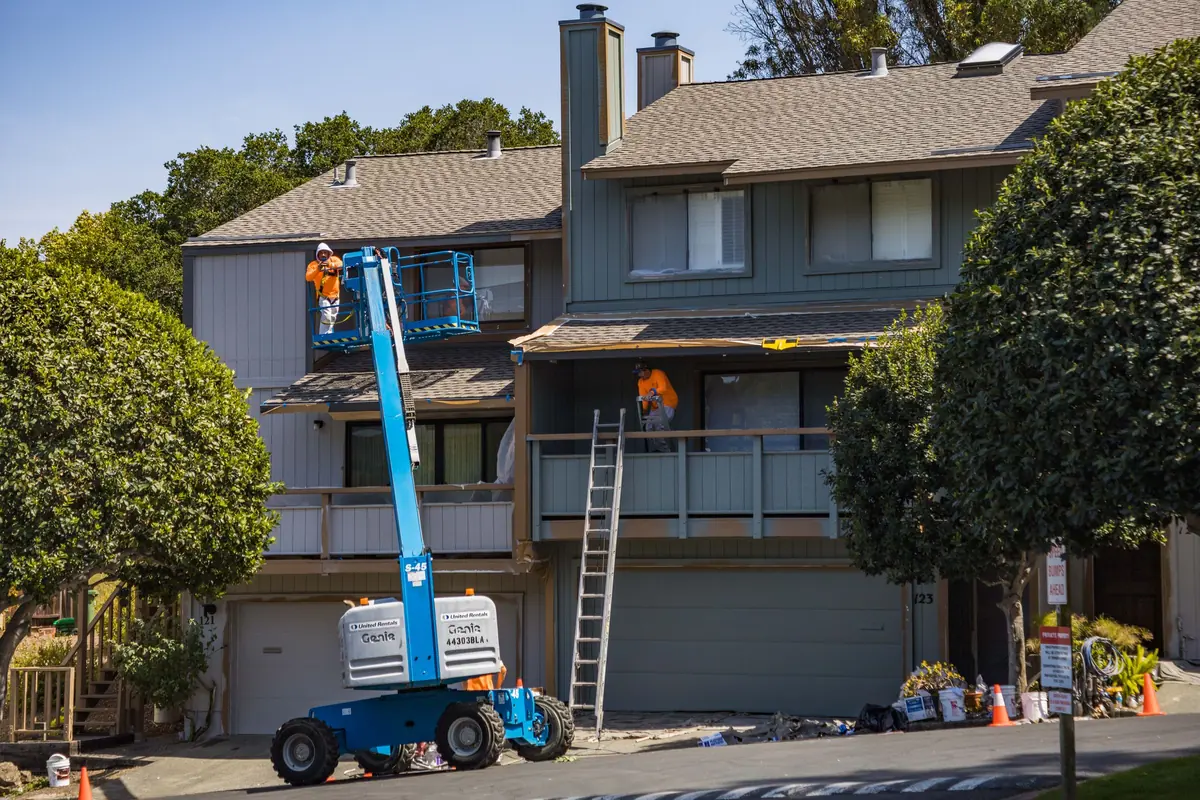
This is the single best thing you can put on a town page. Two or three jobs you've done in that town, with photos and a short paragraph each: what the customer needed, what you did, anything unusual. Neighborhood or street names are fine; customer names and house numbers only with permission.
Who you serve there
Homeowners, landlords, property managers, businesses, the township around the city. If most of your work in one town is rental turnovers and in another it's lake homes, say so. It tells the reader they're in the right place.
Travel and scheduling
Customers in a town further out worry you won't come, or that you'll charge for the drive. Answer it: which days you're usually in the area, how far ahead you book, whether there's a trip charge, how quickly you can come for an emergency.
Local rules, carefully
Where it matters, mention how permits or inspections work. Keep it to what you know and can stand behind: "we pull the permit with the city for you" is useful; a paraphrase of a code section you haven't checked isn't. If a town has a known quirk your customers ask about, answer it plainly.
How many town pages to build
Fewer than you think, at least to start. Build pages where you have real work to show, then add towns as the work comes in. Sort your towns into tiers:
| Tier | Which towns | What to build |
|---|---|---|
| 1. Home base | The town you're in and the two or three you get most work from | A full town page, and city and service pages for your top services |
| 2. Regular work | Towns you work in most months, with real projects to show | A full town page with projects, travel and scheduling details |
| 3. Occasional work | Towns you'll happily go to but rarely do | No page yet. List them in your service area and on the nearest tier 2 page |
| 4. Wishful | Towns you'd like to work in but haven't | Nothing. Do the work first, then write about it |
Most small service businesses end up with somewhere between a handful and a couple of dozen town pages. More than that only makes sense with a large crew covering a large area, and with real work in each place.
On our own builds, city and service-area pages don't count toward a plan's page limit, because we'd rather you cover every town you genuinely serve than count pages. Past a couple of dozen we stop and talk it through, because adding towns you don't really cover does more harm than good. Our guide to how many pages a small business website needs covers the rest of the site.
City and service pages for your top services
Once your town pages are solid, the next level is a page for one service in one town. People who are ready to hire often search that way: "kitchen remodel Plymouth", "furnace repair St. Cloud". A page that's specifically about that service in that town is the best possible answer.
The rules are the same, only stricter, because these pages are even easier to fake:
- Only your top services. Pick the two or three services that bring in most of your work and that people actually search for by town. Leave the rest on the main service page.
- Only your main towns. Tier 1 and the strongest tier 2 towns. Not every town times every service.
- A real project of that service in that town. If you've never done a kitchen in a town, don't make a kitchen page for it yet.
- Specifics for that service there: typical scope and price range for that kind of home, how the permit works for that job, how long it usually takes.
A real example
MDR, a design-build remodeler in Farmington we built for, has five service lines, eighteen city pages and fifty-four city and service pages. That sounds like a lot, and it is. It works because each page is built around the place and the work, galleries are organized by room so the right photos sit on the right page, and the city and service pages cover only the work people search for most. A business with less work to show should start much smaller.
If you're a remodeler, our page on remodeler web design shows how we structure this kind of site.
How to link them together
Town pages that nothing links to are hard for Google to find and hard for visitors to reach. Link them like this:
- One hub page lists every town you have a page for, grouped by county or region. Link it from your main menu or footer.
- Each service page mentions the main towns where you do that service and links to those town pages (or the city and service pages, if you have them).
- Each town page links to your main service pages, its own city and service pages, and two or three genuinely neighboring towns.
- Project write-ups link to the town page for the town they're in.
- Breadcrumbs on every town page (Home, Locations, the town) so people and Google can see where it sits.
Avoid a sitewide footer with every town listed. It adds the same block of links to every page and tells nobody anything. A short "Areas we serve" line with a link to the hub is cleaner.
Add structured data while you're at it: LocalBusiness markup with your real address and service area. Our free local business schema generator writes it for you.
A checklist for each page
Run every town page through this before it goes live, and again once a year.
Checklist for every town page
- The town is in the title, the main heading and the first paragraph, written the way locals write it ("St. Michael", not "Saint Michael" if that's how the town spells it).
- At least one real project in that town, with photos and a sentence or two about the job. No client names without their permission.
- What the work is like there: the age of the homes, lake properties, new developments, older downtown buildings, farms on the edge of town. Whatever is true.
- Who you serve there: homeowners, landlords, businesses, the township as well as the city.
- How travel and scheduling work: which days your crews are in that area, how far out you book, any trip charge.
- Local rules where they matter, said carefully: "permits go through the city" or "we pull the permit for you", not legal advice you can't stand behind.
- Reviews from customers in that town, if you have them, quoted with permission.
- Links to your main service pages, and to the city and service pages for that town if you have them.
- Links to two or three genuinely nearby town pages, not your whole list.
- A clear way to call or ask for a quote, the same as every other page.
- Nothing on the page that would still be true if you changed the town name. If there is, rewrite that part.
If a page can't tick most of these boxes, it isn't ready. Hold it back until you have a job in that town to write about.
A worked example: one business, three towns
Worked example
A siding and window installer based in Monticello does most of its work in Monticello, Big Lake and Otsego, with occasional jobs in Buffalo and Elk River.
Monticello (home base) gets a full town page plus city and service pages for siding and for windows, the two services that bring in the most work. Each shows real Monticello jobs.
Big Lake and Otsego (regular work) get full town pages. Big Lake's page talks about the newer homes off Highway 10 and the storm damage claims they help with; Otsego's talks about the fast-growing neighborhoods and builder-grade windows people replace after ten years. Both show local jobs and say which days the crew is in the area.
Buffalo and Elk River (occasional) don't get pages yet. They're listed in the Google profile's service area and mentioned on the nearest town page. When the installer has three good jobs in Buffalo to show, Buffalo gets a page.
That's three town pages and two city and service pages: five pages, all real. It beats twenty-five copies.
Already have a pile of thin town pages?
Plenty of sites already have twenty or fifty near-identical town pages from an earlier build. Don't panic and don't delete them all overnight. Sort them:
- Keep and rewrite the pages for towns where you really work. Add projects, details and photos using the checklist above.
- Merge pages for tiny neighboring towns into the nearest real town page, and mention them there.
- Redirect the pages you're removing to the nearest relevant page with a permanent (301) redirect, so any links and visitors land somewhere useful. Our free redirect generator writes the rules.
- Remove pages for towns you don't serve at all.
Then watch Search Console for a few months. If you're cleaning up as part of a bigger rebuild, our local SEO work includes this, and every redirect is mapped before launch.
Want a straight answer for your business?
Every Stonekept build is custom-coded, hosted on Cloudflare and kept on a monthly plan. Prices are public: builds from $2,200 with care from $199/mo. See pricing or tell us about your project and we'll give you an honest read, even if that's not us.