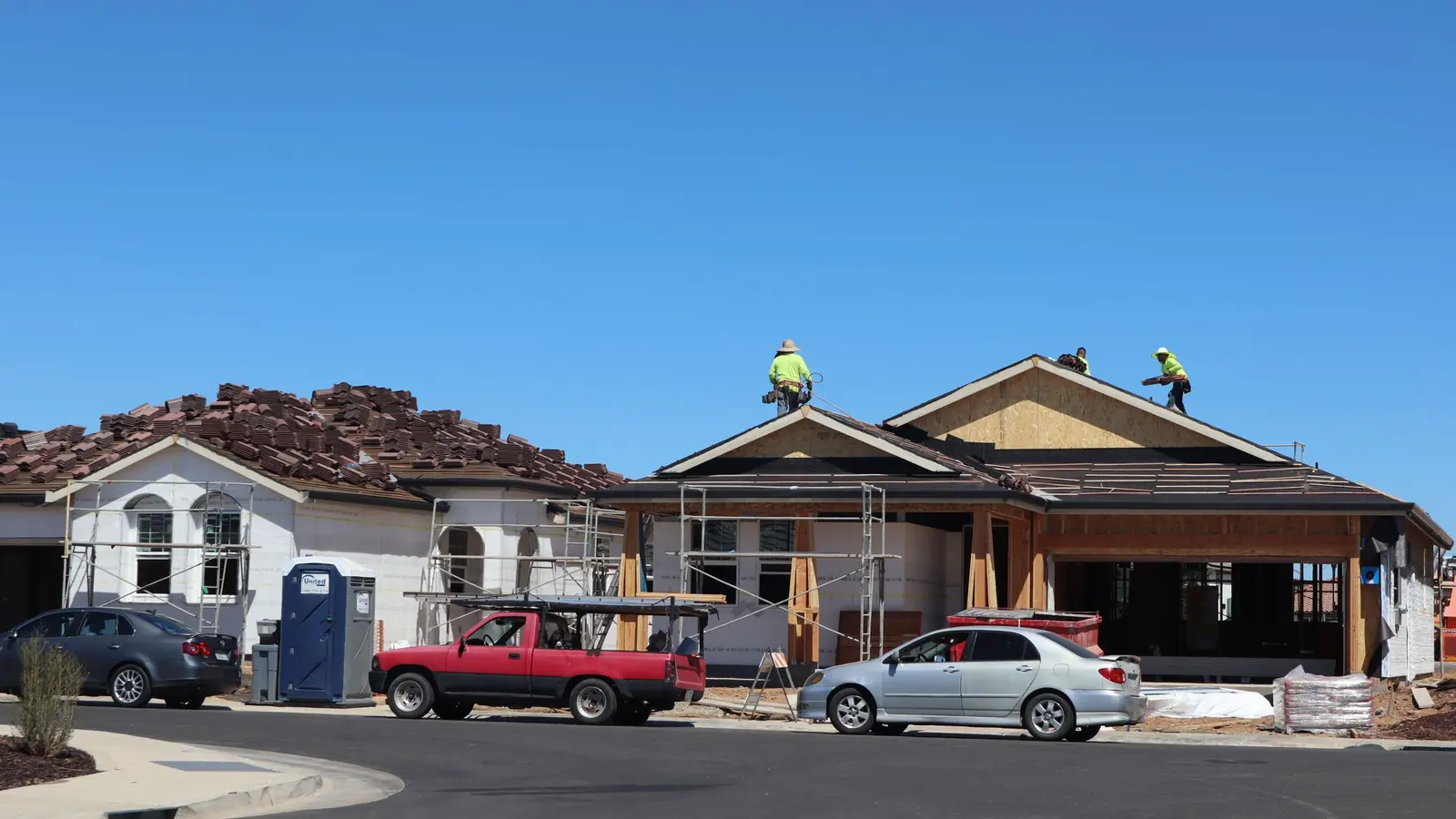
The short answer
A contractor website wins work when it does five things well:
- Makes contact effortless. Call or text in one tap from a phone, and a quote form short enough to fill out in a driveway.
- Shows you do this exact job. A page for each service, with photos of that service, not a list of everything you've ever done.
- Shows you work in their town. A page for each town you want work in, with real jobs nearby.
- Proves you're real. Your own photos, real reviews quoted word for word, your license and real certifications, straight answers on insurance and financing.
- Loads fast on a phone. Most of your visitors are standing somewhere with a problem. A slow page sends them to the next result.
Everything else is a nice extra. If you'd rather see it built, our pages for contractor web design, remodelers, roofers and home services show how we put it together for each trade.
Trades you bid in advance vs trades people call in a hurry
The biggest difference between contractor websites isn't the trade. It's whether the customer is planning or panicking. Someone pricing a kitchen remodel will look at your site four times over two weeks. Someone with water on the basement floor will call the first plumber whose number they can tap.
| Bid-in-advance trades | On-demand trades | |
|---|---|---|
| Examples | Remodeling, roof replacement, siding, decks, concrete, landscaping, additions | Plumbing, HVAC repair, electrical, garage doors, water and storm damage, drain cleaning |
| What the visitor wants first | Proof you do this kind of job well, and a feel for cost and time | Someone who can come out soon, to their town, today if possible |
| Top of the page | Your best project photo, the service, the towns, a quote button | The phone number, a Call button, hours, and whether you take emergencies |
| The page that does the most work | The service page and the project gallery | The service page and the town page |
| The form | Short, with photo upload and a rough timeline | Even shorter. Most people will call or text instead |
| Content that earns trust | Galleries by job type, process, cost and timeline guides, financing | Reviews that mention speed and honesty, license, clear service area, response time you can keep |
| Decided over | Days or weeks, often after comparing three bids | Minutes, often from the first result that answers |
Plenty of trades are both. HVAC is on-demand for a dead furnace and bid-in-advance for a new system. A roofer is on-demand for a leak and bid-in-advance for a tear-off. Build both paths and let each service page lean the right way.
Work out which way each service leans before you design anything. It decides what goes at the top of the page and how long the form is.
Call or text in one tap, and a short quote form
On a phone, your number should never be more than a thumb away. The way to do that is a slim bar pinned to the bottom of the screen with two buttons: Call and Text. It stays put while they scroll, so the moment they're convinced, they can act.
Two details people miss. The Text button only belongs there if your number actually takes texts; many office landlines don't unless you've set that up with your phone provider. And the number in the button, the header and the footer should be the same one on your Google Business Profile, so customers and Google see one business.

For people who'd rather type, the quote form should be short. Five fields covers it:
- Name. First name is enough to start a conversation.
- Phone. Make it the one required contact field. Most contractors call back, and a phone number you can text is gold.
- Town or ZIP. One field that tells you instantly whether the job is in your area and how far the drive is.
- What's going on. A plain text box. "Water stain on the ceiling under the upstairs bath" tells you more than any dropdown.
- Photos. An upload that takes several pictures straight from a phone camera. For a lot of jobs, three photos replace a site visit or at least tell you what to bring.
For bid-in-advance work, you can add one optional question: when they're hoping to start. Leave out budget dropdowns and anything else you can ask on the phone. Every extra field costs you some of the people who'd have sent it.
After they press send, take them to a thank-you page that says what happens next and when. "We call back the same business day" only if you do. That page is also how you count leads properly, which we cover in our guide to forms and lead tracking. For booking slots or instant estimates, see online booking and quote forms.
A page per service and a page per town
One "Services" page that lists everything you do is the most common gap on contractor sites. A homeowner searching for a bathroom remodel wants a page about bathroom remodels. So does Google. Give each service you want more of its own page: what the job involves, what it usually costs and how long it takes (if you can say), photos of that service only, a review that mentions it, and the button.
Town pages do the same for where you work. A page for each town you want jobs in, with real local substance: projects you've done there, the services you offer in that town, how quickly you can usually get there. A page that swaps the town name into the same paragraph twenty times helps nobody, and Google's spam policies call that kind of thing a doorway page. Our guide to service-area pages done right shows what a good one looks like, and SEO for contractors covers the search side in full.
A real example
MDR, a design-build remodeler in Farmington, has five service lines. Their site has a page for each service, 18 city pages, and 54 city-service pages for the combinations that matter, like a specific service in a specific town. Galleries are grouped by room, so someone planning a bathroom sees bathrooms. Their Minnesota license and EPA Lead-Safe certification are on the page, not buried. That's the structure this guide describes, built out for a real business.
On our plans, city and service-area pages don't count toward the page limit, because for a contractor they're the point, not padding.
Real job photos beat stock every time
Homeowners can spot a stock kitchen in half a second, and it tells them you don't have photos of your own. Your own pictures, even from a phone, prove the thing a stock photo can't: that you did this, around here, recently.
- Take them on every job. Before, during and after. During is underrated: a clean, organized job site sells you to a homeowner worried about mess.
- Shoot in landscape, in daylight, from a corner. Turn on the lights, move the trash can and the ladder out of frame.
- Group them like customers think. Kitchens, baths, basements, roofs, decks. Not "Gallery 1" and "Gallery 2".
- Add one line per job. The town and what you did. "Full tear-off and new gutters, Monticello" does more than a caption about quality.
- Get permission. Ask before you post the outside of someone's house, and never show a house number or a family.
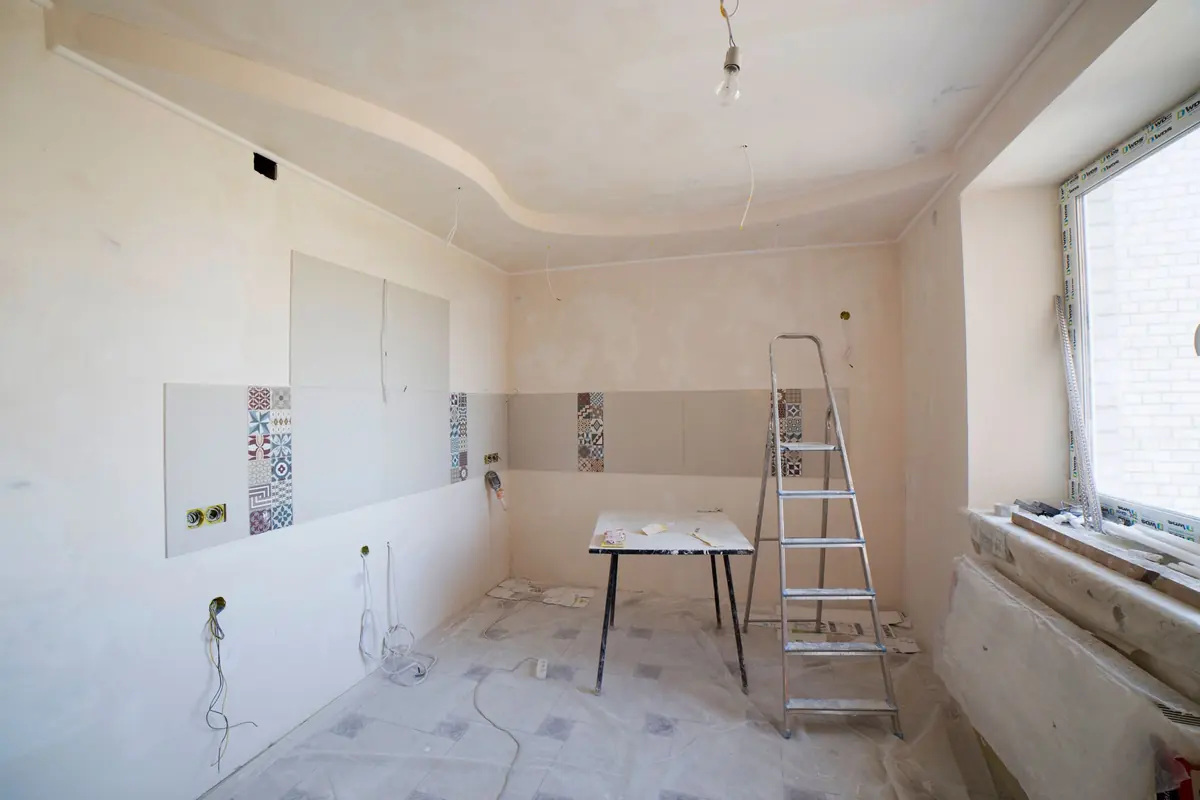
Stock is fine for backgrounds, never as your work. More in stock vs real photos.
Reviews, license, insurance and financing
A homeowner letting a stranger into their house is looking for reasons to trust you. Give them the real ones.
Reviews, word for word
Quote real reviews exactly as the customer wrote them, typos and all, with their first name and town if they're happy with that, and link to where the review lives so anyone can check. Pick reviews that answer a fear: showed up when they said, cleaned up, price matched the quote, fixed what someone else got wrong. Put the relevant one on each service page. A free Google review link makes it easy to ask every happy customer for one. Reviews on your website covers the rest.
License and real certifications
If your trade is licensed in Minnesota, put the license number on the site, on the about page and in the footer, exactly as it appears on the state's records, so a customer can look it up. Add certifications you really hold and that mean something to the job: lead-safe certification if you work on homes built before 1978, a manufacturer program if you're current in it. Skip badges a customer wouldn't recognize.
Insurance and financing, in your own words
"Are you insured?" comes up on nearly every estimate visit. Answer it on the site the way you'd answer it at the kitchen table: what you carry, and that you'll send a certificate of insurance on request. Financing is the same. If you offer it, say through whom, what it's for and how a customer applies. If you want to mention a rate or a monthly payment, use the lender's approved wording, because lending ads come with disclosure rules. If you don't offer financing, say so plainly; it saves you calls that won't close.
Separate paths for residential and commercial
If you do both, the two buyers want different things, and a single page tries to talk to both and reaches neither.
| Homeowner | Commercial buyer | |
|---|---|---|
| Worried about | Mess, trust, cost, being taken advantage of | Schedule, compliance, paperwork, one more vendor to manage |
| Wants to see | Photos of homes like theirs, reviews, process, financing | Building types, capacity, insurance and safety paperwork, past project types |
| Contact path | Call, text, or a short quote form | A contact for bids and prequalification, an email that reaches an estimator |
| Decision by | One or two people at home | A property manager, owner or general contractor, often with a bid deadline |
Give commercial its own page with its own contact path, and aim the home page at whichever side brings in most of your work.
Guides that answer cost and timeline questions
For bid-in-advance trades, the questions you answer on every estimate visit are the questions people search before they call anyone: what does it cost, how long does it take, do I need a permit, what happens first. Answer them in writing, once, and the right customers arrive already knowing whether you're a fit.
- Cost. Give honest ranges from your own jobs and say what moves the price. You don't have to publish a price list to be useful.
- Timeline. Walk through the steps: estimate, design, permits, materials, the work itself. Say which parts depend on the season.
MDR runs a ten-guide library alongside its service pages for exactly this reason. You don't need ten on day one. Two or three, on your most asked questions, is a strong start. Website copywriting basics helps if writing them feels like a chore.
Speed on a phone, and banners kept current
A contractor site lives on phones, often on one bar of signal in a basement. Google measures real-world speed with Core Web Vitals: the main content should appear within 2.5 seconds, the page should react to a tap within 200 milliseconds, and nothing should jump around as it loads. Big uncompressed photos, sliders, chat widgets and review embeds are the usual reasons a contractor site fails those. Run your key pages through our free Website Speed Test, and see page speed and Core Web Vitals for the fixes.
Then keep the top of the site current. A storm-season banner ("We're booking hail damage inspections in Wright County") or an emergency line is a great tool for a week and a liability for a year. Rules worth keeping:
- Every banner gets an end date. Decide when it comes down before it goes up.
- Only promise what someone will answer. If the emergency line goes to voicemail after 8, say so.
- Name someone who does it. If no one owns the banner, it'll still say "this winter" next August.
What never goes on a contractor website
Contractor marketing has a habit of rounding up. Don't. A customer, a competitor or Google can check every one of these.
- Reviews you didn't get. No made-up testimonials, no "composite" customers, no editing a real review into something it didn't say. Fake reviews break Google's policies, and the Federal Trade Commission treats fake testimonials as deceptive advertising.
- Numbers you can't count. "500+ roofs" or "thousands of happy customers" only if you can pull the job list. Years in business only from the year you actually started.
- Credentials you don't hold. A manufacturer's certified installer badge only while you're in the program. Lapsed means it comes off the site the same week.
- Hours you don't keep. "24/7 emergency service" only if someone really answers at 2 a.m. Otherwise say when you pick up.
- Warranties you haven't written. State your workmanship warranty exactly as your contract does, and name a manufacturer warranty only with its real name and conditions.
We won't build any of these into a site. If a fact is real, we'll make it prominent.
Page by page: what each one must answer
Use this as a checklist against your current site, or as the outline for a new one.
| Page | What it must answer |
|---|---|
| Home | What you do, where, and how to reach you in one tap. Your best proof (a project photo and a real review) before anyone scrolls far. |
| Each service page | What the job involves, who it's for, rough cost and time if you can give them, photos of that exact service, and the quote or call button. |
| Each town page | That you really work there: jobs you've done nearby, the services you offer in that town, and how soon you can get there. |
| Projects or gallery | Real jobs, grouped the way customers think (kitchens, baths, roofs, decks), with the town and a line about what you did. |
| Reviews | Real customers, quoted word for word, with first name and town if they're OK with it, and a link to where the review lives. |
| About | Who owns it, how long you've been at it, your license and real certifications, and why you do the work the way you do. |
| Financing | Whether you offer it, through whom, and how a customer applies. In your words, with the lender's approved wording for any terms. |
| Commercial | If you do it: capabilities, insurance certificates on request, the kinds of buildings you work on, and a separate contact path. |
| Cost and timeline guides | The questions you answer on every estimate visit, answered once in writing. |
| Quote or contact | A short form, the phone number again, your hours, and what happens after they send it. |
| Thank-you page | That it worked, when you'll respond, and what to have ready. Also the page you count leads on. |
Not every contractor needs every page on day one. A home page, a page per main service, a page per main town, a gallery and a quote page is a strong start.
Worked example
Example, not a client: a two-truck plumbing company based in Otsego that wants more water heater and drain jobs in Otsego, Elk River, Rogers and Albertville. On-demand trade, so the phone comes first. The site: a home page with a pinned Call and Text bar, four service pages (water heaters, drains, repairs, remodel plumbing), four town pages that each name real jobs done there and the usual drive time, a gallery of installs, a reviews page, and a three-field form with photo upload for people who'd rather type. Water heater replacement leans bid-in-advance, so that page gets a cost guide and real install photos. Drains lean on-demand, so that page leads with the number and the hours.
The must-have checklist, and what it costs
Contractor website must-haves
- Tap-to-call and tap-to-text buttons, pinned to the bottom of the screen on phones
- A quote form with five fields or fewer, plus photo upload
- A page for each service you want more of
- A page for each town you want work in, with real local proof
- Your own job photos, grouped by job type
- Real reviews, quoted exactly, linked to the source
- License number and real, current certifications on the page
- Insurance and financing answered in your own words
- A separate path for commercial work, if you do it
- At least a few guides that answer cost and timeline questions
- Fast on a phone: passing Core Web Vitals on your key pages
- Hours, holiday hours and any emergency or storm banner kept current
- A thank-you page that says what happens next
- Nothing on the site you can't prove: reviews, numbers, credentials, hours, warranties
How you get there depends on how much you want handed to you. National contractor marketing agencies typically sell the site inside a monthly program (SEO, ads, reporting) and quote it rather than publish a price. If you go that way, ask what's included, how long the contract runs and who owns the site if you leave. If you run a big ad budget across a metro and want one team running all of it, that model is built for you.
If you want a fast site you own, built around these must-haves and kept up for you, our Standard plan is $3,600 plus $249/mo, with the service structure most contractors need. A smaller trade with a few services can start on Launch at $2,200. Both are on the pricing page, along with the cheaper build on a 12-month care term. We work with contractors from Elk River and Otsego to Monticello and across the west metro.
Want a straight answer for your business?
Every Stonekept build is custom-coded, hosted on Cloudflare and kept on a monthly plan. Prices are public: builds from $2,200 with care from $199/mo. See pricing or tell us about your project and we'll give you an honest read, even if that's not us.